

Do's and Don'ts to Improve Beginner English Speaking for Software Engineers
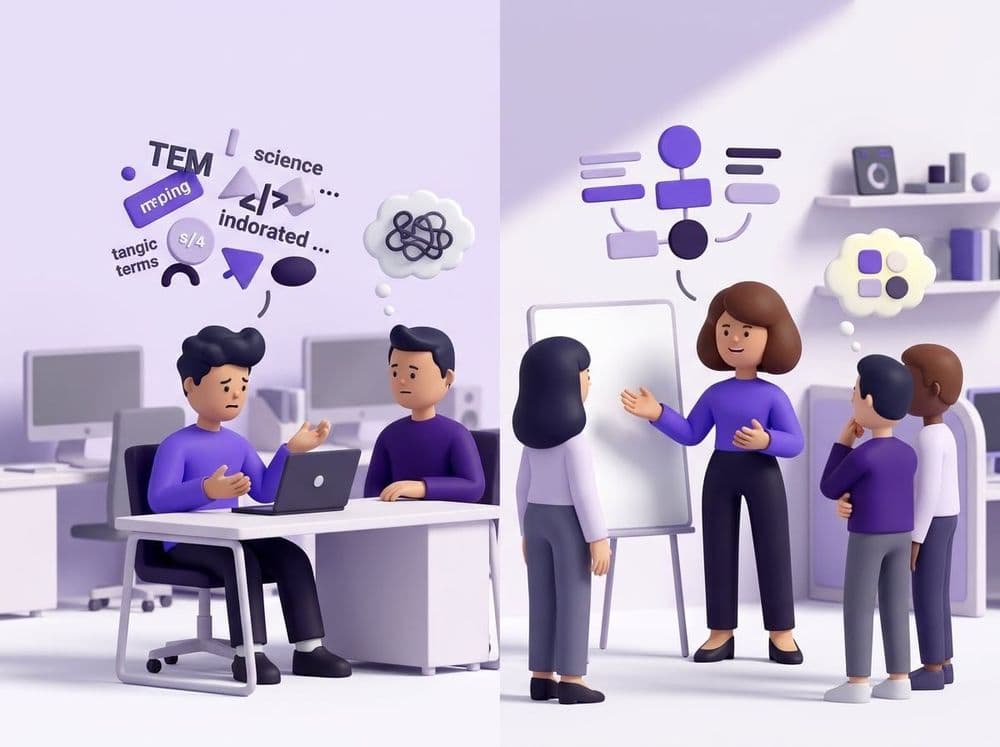
Learn the essential do's and don'ts to improve beginner English speaking for software engineers. Master daily stand-ups and code reviews with confidence.

Daily stand-ups and code reviews need fast, clear updates. To learn how to improve beginner English for software engineers, use simple work phrases. Clear English stops blockers better than perfect grammar, so use these copy-paste phrases.
Key Takeaways
Below are the key takeaways in this guide:
- Simple sentences: Short work phrases help your team act fast.
- Stand-up structure: Use Yesterday, Today, and Blocker every time.
- Code review clarity: Say what changed, where, and why.
- Loora practice: Loora lets engineers role-play stand-ups with real-time feedback.
- Clear English: Your goal is to be easy to understand.
Do's and Don'ts for the Daily Stand-up
A daily stand-up is a short team sync. You share what you did, what you'll do, and what blocks you. In our coaching work, we see developers do well when they use the same simple frame each day.
One developer used this line: "Yesterday, I fixed the login bug. Today, I will test the API. I have one blocker." The update was short, and the team knew what to do next. Simple phrasing kept the sync clear.
Stand-up Rules Table
| Do This | Instead of This | Why |
|---|---|---|
| "Yesterday, I fixed the login bug." | "I have been working on fixing the auth issue." | Use past tense for done work. It's clear. |
| "Today, I will test the API." | "I am planning to maybe check the API later." | Say the task and the target. Avoid extra words. |
| "I have a blocker with deployment." | "There is some problem around deploy things." | Name the blocker. Your team can help faster. |
| "I need help from backend." | "Maybe someone can check something for me." | Say who can help. This saves time. |
These speaking do's work because they match Agile flow. Your team does not need a long story. They need the task, the status, and the blocker.
Do's and Don'ts for Code Reviews and Bug Reports
In a code review, you already know the tech vocabulary. You know pull request, merge conflict, API, commit, and deployment. The speaking task is simple: connect these words with clear verbs.
For a bug report, start with the user action, then say the result. For a code review, start with the file or pull request, then say the change. This keeps the talk useful in Slack, Zoom, or a quick team sync.
Code Review Rules Table
| Do This | Instead of This | Why |
|---|---|---|
| "This pull request fixes the payment bug." | "This PR is about some payment-related changes." | Use "fixes" when you solved a bug. |
| "I found a merge conflict in the API file." | "There is a conflict somewhere in the API area." | Say the exact place. The reviewer can check it. |
| "The button does not work after login." | "After login, something is not okay with the button behavior." | Name the action and the result. |
| "Can you review my commit today?" | "Maybe you can look at my code if possible." | Ask with a clear time. It helps planning. |
How to Practice Your Tech English Safely
Speaking English at work for beginner programmers gets easier when you rehearse the exact task first. A safe practice partner lets you role-play a stand-up, bug report, or code review before the real team call.
Language Apps vs Artificial Intelligence Tutors
| Practice need | Memrise | TalkPal | Loora |
|---|---|---|---|
| Main practice | Memrise helps you learn words from real video clips. This is useful for tech vocabulary. | TalkPal gives daily chat tasks and game-like goals. This can help you speak more often. | Loora focuses on spoken English practice. You can talk with an AI tutor in real time. |
| Real work practice | You can learn useful words, but the practice is not built around a stand-up or pull request. | You can chat about work topics, but the flow is more casual. | Loora has work role-plays for meetings, client calls, and presentations. You can use it for a stand-up or sprint update. |
| Tech work link | It can help you remember words like bug, test, or deploy. You still need to speak them in a full update. | It can give a space for general English chat. The work link depends on the topic you choose. | Loora starter scripts adapt to your level and work area. You can also make a custom tech scene. |
| Make your own scene | Memrise uses set learning content. You follow the lesson path. | TalkPal uses chat and missions. You can guide the topic, but it is not a full work role-play system. | Loora lets you create a custom scene, like "Give a bug report in a daily stand-up." |
| Real back-and-forth talk | Memrise is strong for seeing and hearing words. It's less about live work talk. | TalkPal supports chat practice. It works well for keeping a daily habit. | Loora answers you, asks follow-up questions, and can add pushback. This helps you think while speaking. |
| Feedback | Memrise helps with word memory. It does not focus on full spoken work updates. | TalkPal gives practice through missions and chat. The feedback is less focused on one work mistake. | Loora gives real-time grammar and pronunciation feedback. After the talk, it gives a review with native-speaker examples. |
| Meeting prep | Use it before a meeting to review words. Then say your update out loud. | Use it to speak more often and build a habit. Then shape the talk for your team. | Use it to rehearse a real stand-up, code review, or status update. You can repeat the same scene. |
| Best use | Best for growing word knowledge with short video clips. | Best for daily chat practice and game-like goals. | Best for active work speaking practice with clear correction after each talk. |
Apps can help in different ways. For developer speaking skills, the key step is active speech: say the stand-up line, get feedback, and try again.
Conclusion
English for engineers is not about long words. It's a work tool. Your code, your bug report, and your pull request already show your real skill.
Use these beginner English tips in one place first. Start with the daily stand-up. Say one line for yesterday, one line for today, and one line for your blocker.
The speaking do's in this guide work because they give your team clear data. Knowing the tech words is one part. Using them in live speech is the next part.
If English feels like a communication barrier, practice one small template before your next sync. A simple line like "I fixed the login bug, and today I will test the API" can move the team forward. Clear speech supports clear engineering work.